From choosing a coffee stand to sending an order to its connected Square location, here is how the LocalMugs app experience fits together.
App experience preview · Screens illustrate the app design and shared checkout flow. Example merchants and orders are not live records.
01 · CHOOSE THE STAND
Their coffee stand, ready to open.
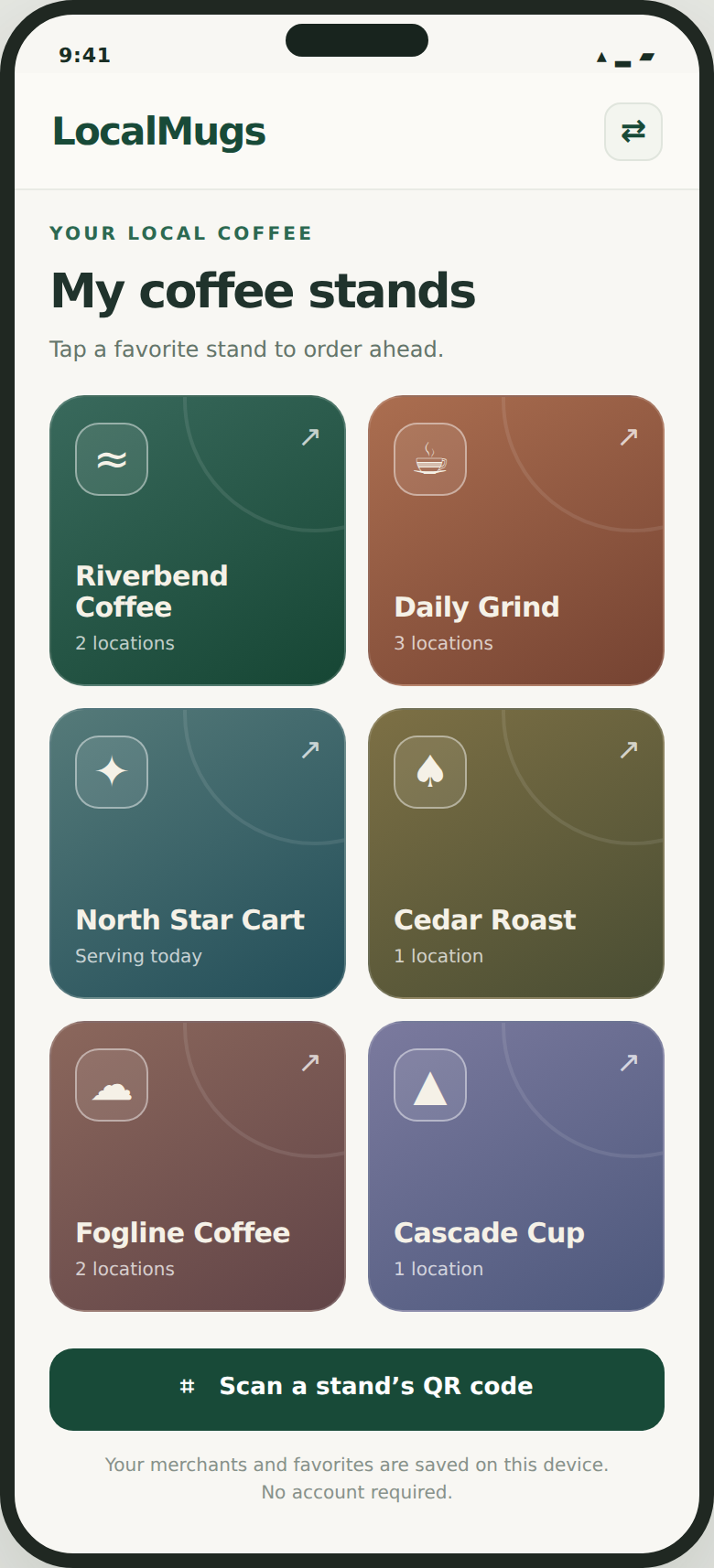
Customers open a saved stand or add one from its QR code. If a merchant has more than one location, they choose where they will pick up before continuing.
One merchant. Its participating locations. A clear pickup destination.
02 · CHOOSE THE DRINK
A recent drink—or something different.
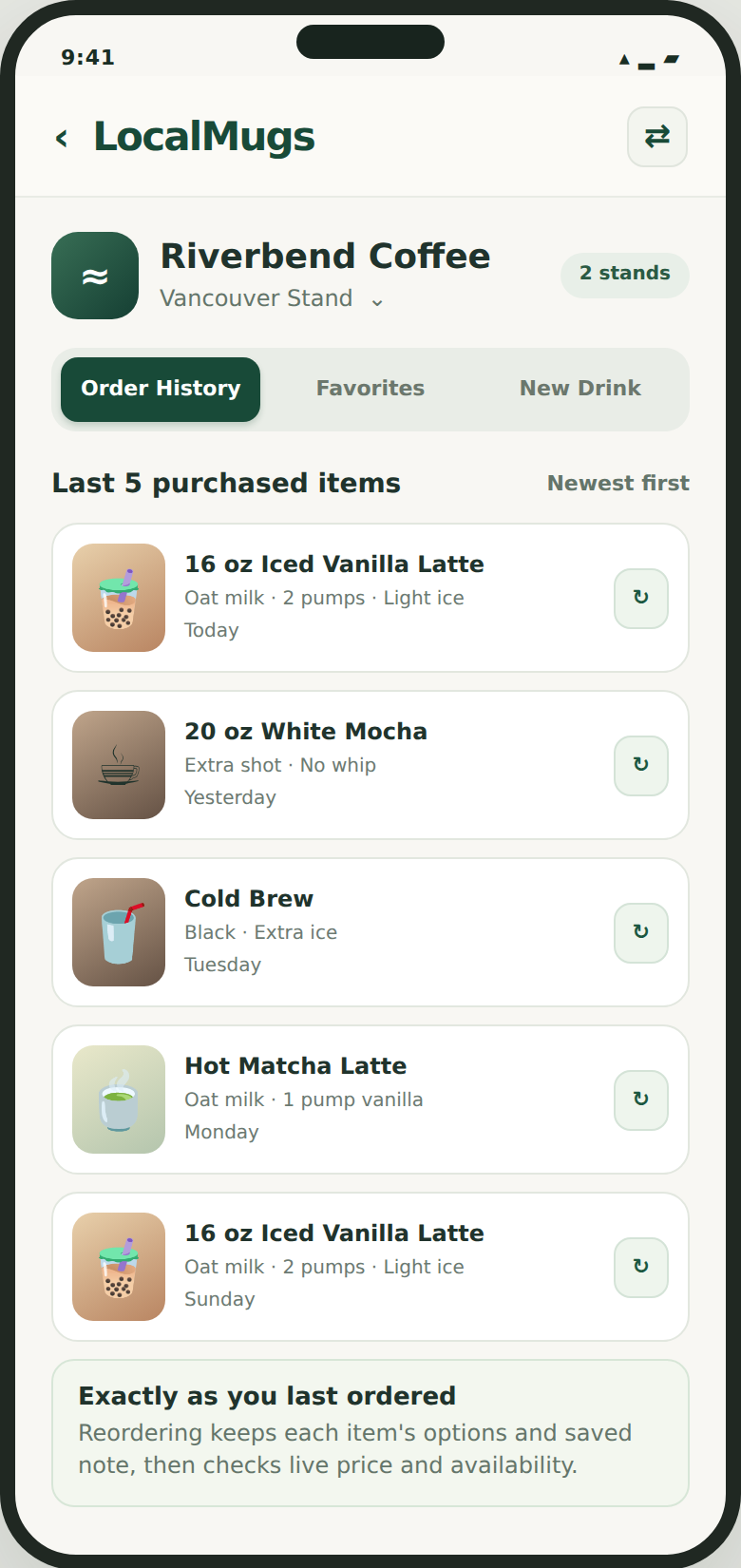
Order History puts recent purchased drinks in reach. Favorites keeps saved recipes together, while New Drink opens the merchant’s menu.
The current menu, availability and price must be checked again before a repeat order.
03 · CUSTOMIZE
Make the details clear before arrival.
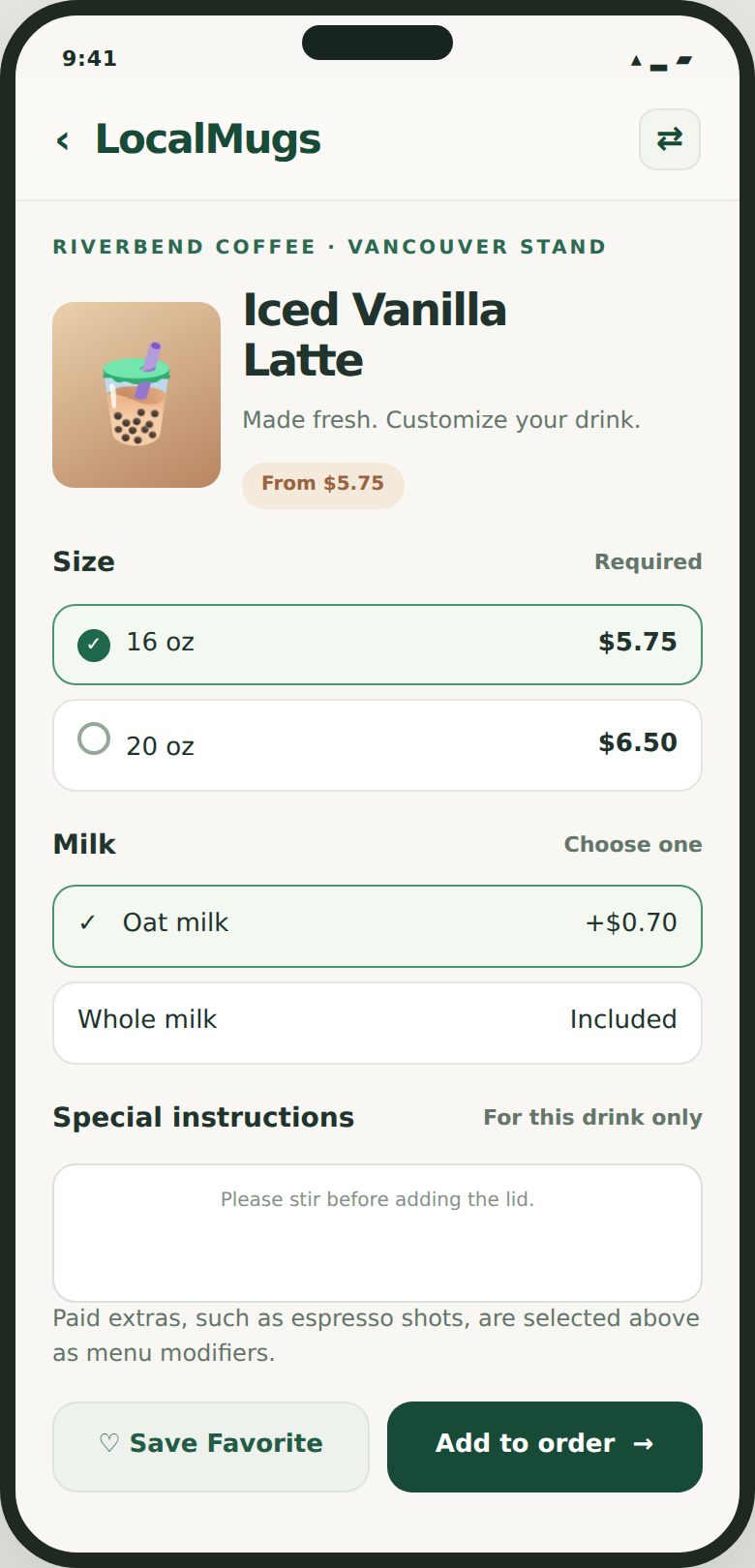
Customers review the drink size, milk and available extras from the stand’s menu. A short instruction can travel with the item, so the team receives the chosen drink details together.
Options and prices come from the merchant’s connected menu—not an unrelated recipe list.
04 · PICKUP & PAYMENT
Review the order. Choose pickup. Pay.
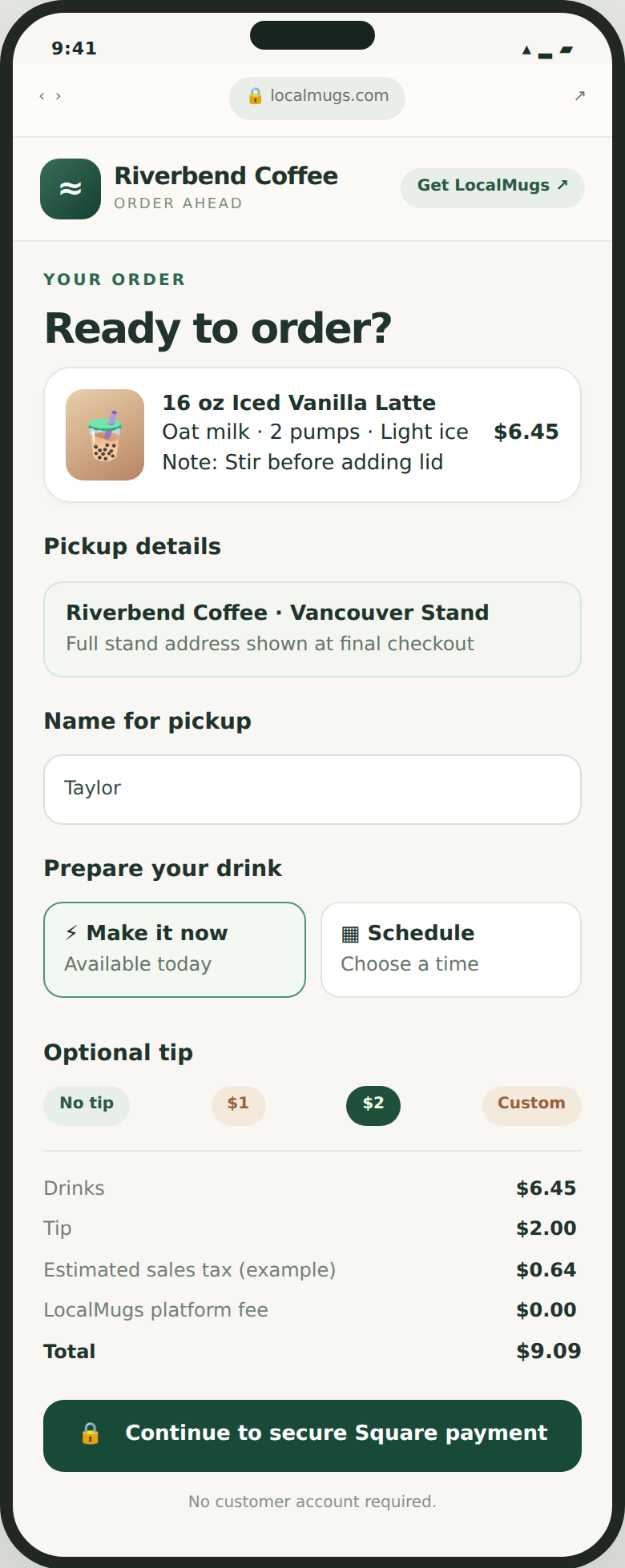
Customers confirm the location, choose an available pickup option and review tax, any tip and the total before paying through Square.
Checkout illustration from the approved concepts. The stand’s hours and availability determine which pickup choices can be offered.
THEN IT REACHES THE STAND
Sent to your Square location
The order is routed to the merchant’s connected Square location with the drink choices and pickup details. Staff use their configured receiving workflow to prepare it for the customer.
Customer orderDrink, extras and pickup
Connected Square locationYour receiving workflow
Prepared at your standReady for customer pickup
Order Manager, printer and KDS behaviour depends on the receiving setup verified for the stand; an app preview is not hardware acceptance.
Customers can also order from a browser.
Your ordering link and location QR code provide a guest web path without an app download or customer account.
See what it takes on your side.
Link Square, review a few pickup settings and check the order-receiving workflow.